


JTechWP
Page Icons Animation
Page Icons Animation
- Instant download
- Works with Free & Studio
Couldn't load pickup availability
 Get every pack & save
Megapack Bundle - All Packs SAVE $100
$187.99$87.99Save $100.00
View the bundle →
Get every pack & save
Megapack Bundle - All Packs SAVE $100
$187.99$87.99Save $100.00
View the bundle →
Drag & Drop Page Animations for Davinci Resolve
Animated Icons for All 8 Davinci Resolve Pages
Make your Davinci Resolve tutorials clearer, cleaner, and more professional.
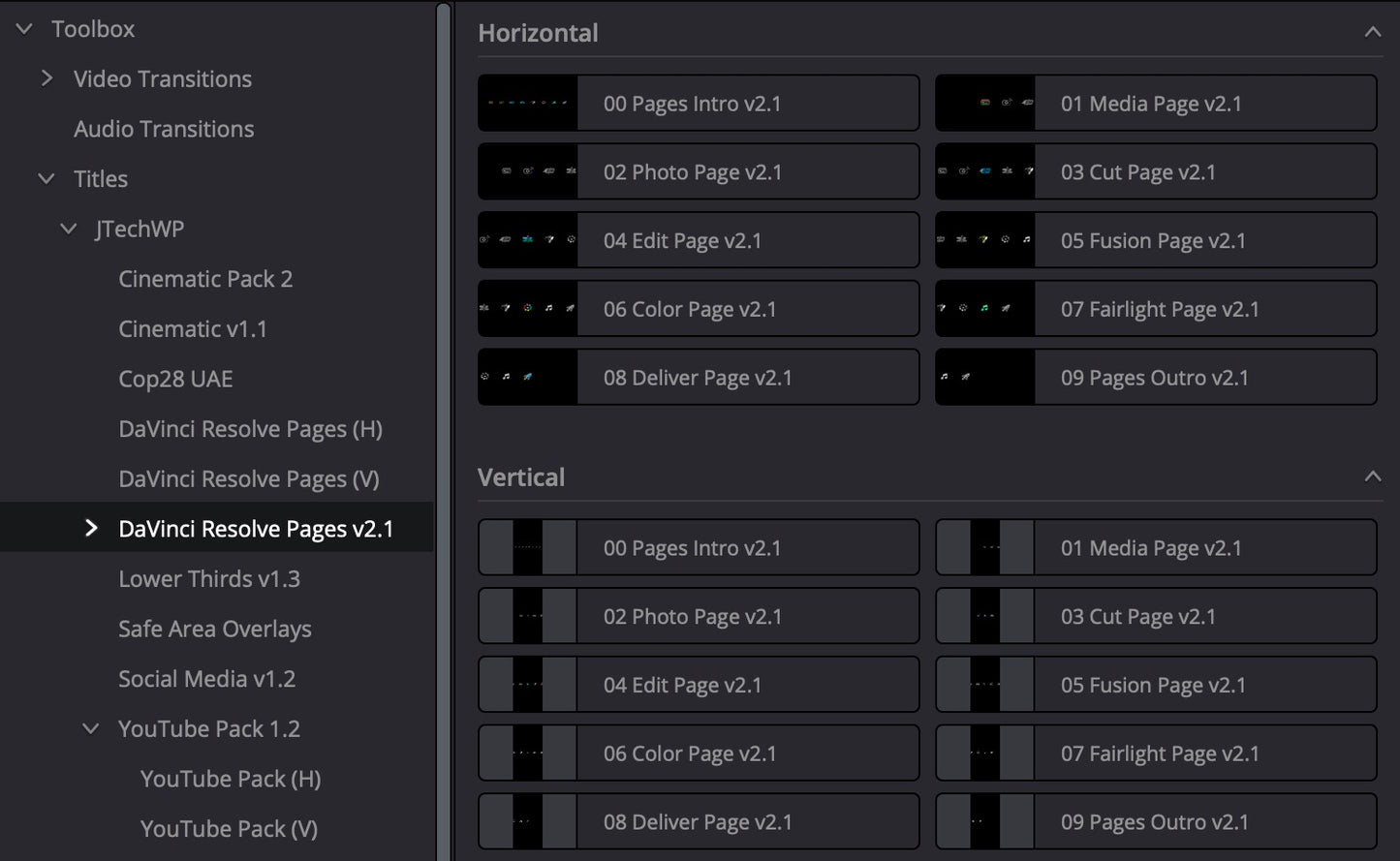
This animated title pack is designed specifically for creators who produce Davinci Resolve tutorials. It includes animated page icons for all seven Davinci Resolve pages — Media, Photo, Cut, Edit, Fusion, Color, Fairlight, and Delivery — helping your audience instantly understand where they are in the workflow.
Whether you’re explaining a full edit or focusing on a specific tool, these animations give your videos a polished, structured feel. Use the “all pages” animation to introduce a topic, then drop in individual page animations as you move through your tutorial.
Simply drag and drop the titles onto your timeline — no complex setup, no keyframing. It’s a fast, visual way to guide viewers through Davinci Resolve while speeding up your editing workflow.
Perfect for YouTubers, educators, course creators, and anyone creating professional Davinci Resolve tutorials.
What’s Included
- 🎬 Animated icons for all 8 Davinci Resolve pages, landscape and vertical versions
- 🧩 Individual animations for each page:
- Media
- Photo
- Cut
- Edit
- Fusion
- Color
- Fairlight
- Delivery
- 🎥 One combined animation showing all page icons
- ⚡ Drag-and-drop titles for quick editing
- 🧠 Designed specifically for tutorial and educational content
Perfect For
- Davinci Resolve tutorial creators
- YouTubers and educators
- Online course creators
- Training videos and walkthroughs



Page Icons Animation
$27.99$12.99
Why editors choose it
What's included
-
Instant download
Get your files immediately after checkout — no waiting.
-
Free & Studio
Works in both DaVinci Resolve Free and Studio.
-
Drag & drop
Drop straight onto your timeline — fully customisable.
-
No watermarks
Clean, ready-to-deliver titles and transitions.
-
Tutorials included
Follow along with step-by-step video guides.
-
Save hours
Professional results in minutes, not hours.
Any questions?
Download, install and use your pack instantly in a few clicks. We've recorded videos to help you find the answer you need — even if you're a complete beginner.
How to download the pack?
You'll get a direct link to download your pack after checkout — just click the "Download" button. We also email you the link so you can access it anytime, and it's saved to your account for future downloads.
How to install the pack?
Watch the quick install video above, or follow the step-by-step guide included with your download. It works the same in DaVinci Resolve Free and Studio.
What license comes with this pack?
Your purchase includes a license for use in your own personal and commercial projects. Reselling or redistributing the pack files is not permitted.
Loved by editors
What editors are saying
It really helps with making sure the videos will look good. I have already identified issues in old video designs and prevented future issues with the templates

It is very easy to install and excellent visual effects and new options at very low price, great job.

.
Brilliant little pack. Saves time, reduces mistakes, and makes my videos look polished.
Straightforward, effective, and professional. Exactly what vertical editors need.
Great tool for creators. No more guessing where captions or graphics should go.
Clean design and very practical. It’s now part of my standard editing setup.
I create content for multiple platforms and this keeps everything perfectly aligned every time.
Honestly, this has actually been one of the best experiences I have had buying something. There was a slight issue with one of the overlays. I emailed and BANG! I was contacted immediately and the issue was resolved. Jon went above and beyond to make sure everything was working. I cant recommend these guys and their product enough. Trust me, you won’t regret it.
Accurate safe zones and very easy to use. Makes Davinci Resolve even better for vertical video.
Perfect,, takes all the guess work out. Well worth the price and easy to install.
Dropped it straight into my timeline and it just works. Highly recommended for short-form creators.
I've tried three other packs. This is the only one I still use. Everything else felt either too basic or too complicated. This one hits the sweet spot.
Simple but powerful tool. Saves time and improves consistency across platforms.
I bought the megapack six months ago and it's had updates since. The creator is clearly still actively developing the packs. Long-term value is excellent.